
1 - Introduction
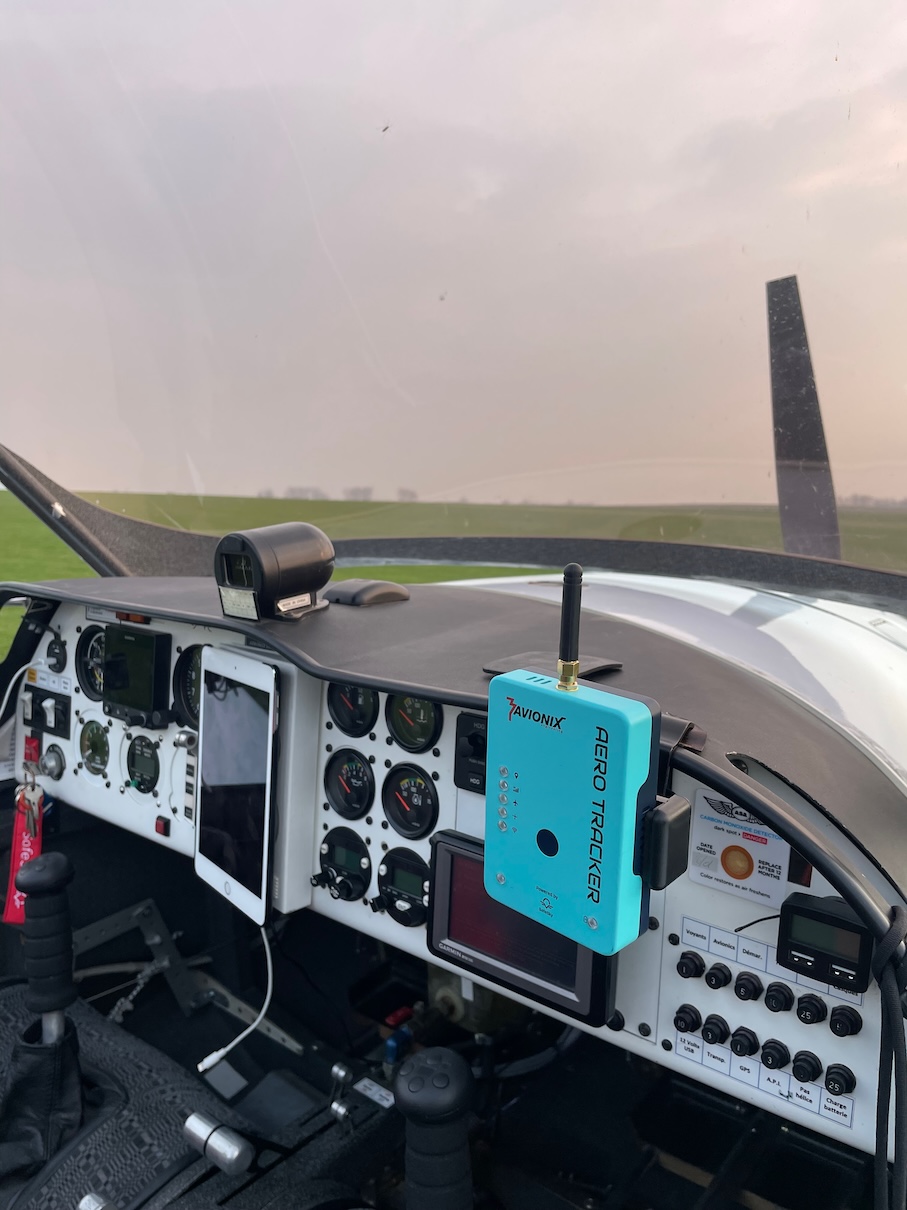
The Aero Tracker is a portable eConspicuity device designed specifically for small aircraft and general aviation.
It provides one of the most complete situational awareness solutions available, supporting a wide range of aircraft types including:
- General aviation planes
- Gliders
- Paramotors
- Paragliders
- Trikes
- Ultra-lights
- Helicopters
- Drones
You can buy the Aero Tracker from the official Avionix online store:
Buy Aero Tracker
To use the built-in SIM card, your Aero Tracker requires an active SafeSky Premium Connect subscription. More details here
1 - Dual Traffic Awareness
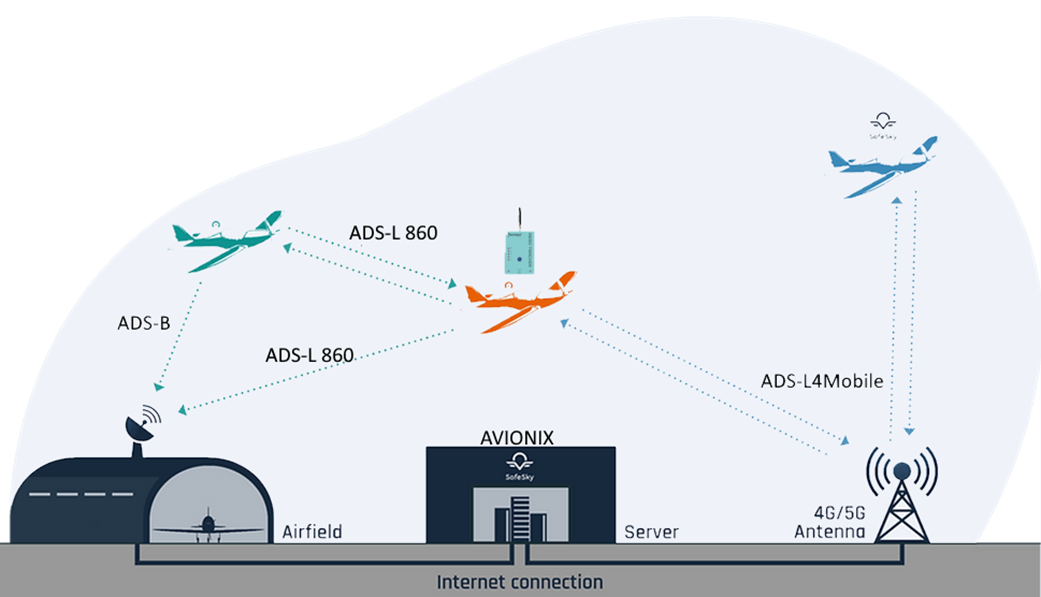
Your Aero Tracker ensures optimal visibility by combining two communication layers:
Air-to-Air
It transmits and receives real-time traffic positions using proven technologies:
- ADS-B (reception only)
- ADS-L
OGNOGN-Tracker- FANET
More systems will become available in the near future by simple firmware upgrades.
LTE Connectivity using ADS-L4 Mobile
Complementary LTE communication over ADS-L4 Mobile gives access to traffic data from over 30 integrated sources, including:
- The SafeSky network
- FLARM
- Mode-S using MLAT
- PilotAware
- MicroTrack
2 - DataSheet
You can download the full datasheet here:
Aero Tracker Datasheet (PDF)
3 - What Traffic Should I See?
Understanding the traffic displayed by your Aero Tracker depends on how you're using it—either through the SafeSky App or an Electronic Flight Bag (EFB) such as SkyDemon, Air Navigation Pro, or EasyVFR. Each setup provides a tailored experience to balance clarity and situational awareness.
3🧭 Using the Aero Tracker with an EFB
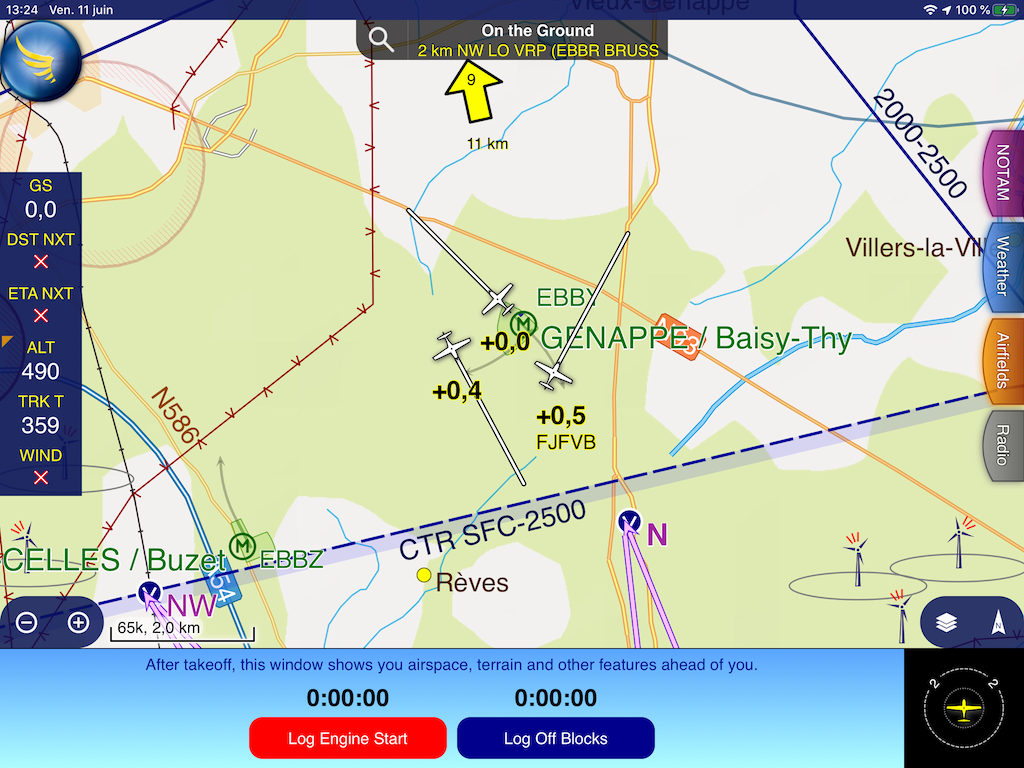
When connected to your EFB, the Aero Tracker applies proximity-based filtering to prevent clutter on your navigation screen:
This ensures your EFB displays only relevant, nearby traffic, letting you stay focused on essential information.
This filtering is applied regardless of the traffic source—whether it's from air-to-air protocols (ADS-B, ADS-L, FANET, OGN-Tracker) or via the SafeSky LTE network.
🛠️ Tip: Your EFB might apply additional filters. Make sure to check your app settings to align with your preferences.
📱 Using the SafeSky App
The SafeSky App offers a wider situational awareness:
If both your Smartphone/Tablet and Aero Tracker have LTE connectivity, SafeSky merges data from both for maximum coverage and redundancy.
🚦 Highlighting Traffic Sources
You can visually distinguish where traffic is coming from by enabling the "Highlight SafeSky traffic" option:
sy prefix in the callsign
Air-to-air traffic keeps its standard callsign with no prefix
⚠️ Note: This feature may cause distraction during flight. We recommend enabling it only during pre-flight or post-flight analysis.
To activate traffic highlighting:
🛬 What Happens When You’re Grounded?
To conserve power and reduce unnecessary network load, the Aero Tracker includes an automatic ground detection mode:
This helps ensure efficient battery use, data transmission, and privacy.
✅ Summary
4 - Standards and Compatibility with EASA ADS-L Coalition
The device is fully compliant with EASA ADS-L and ADS-L4 Mobile technologies, and is designed to remain compatible with all future updates to these standards.
Fly Safe,
The SafeSky Team ✈️